
The Held Payments Report provides an overview of all held payments created for each vessel and payroll period. It allows you to review the held payments and, when necessary, update their status.
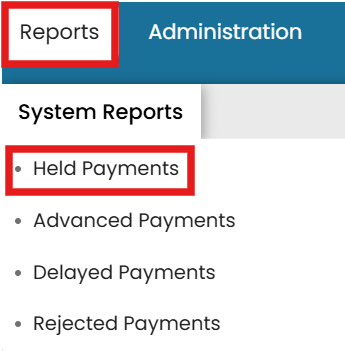
- Go to the Reports menu dropdown and select Held Payments.
- Here, you can view all held payments created for each vessel, including the payroll period associated with each payment.
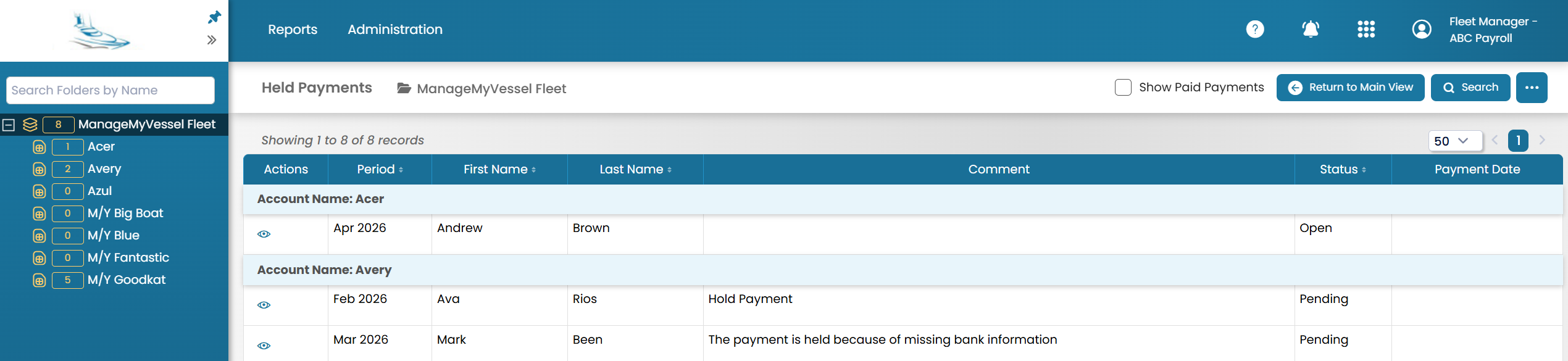
- If the held payment status is Open, you can change the status by clicking the View icon.

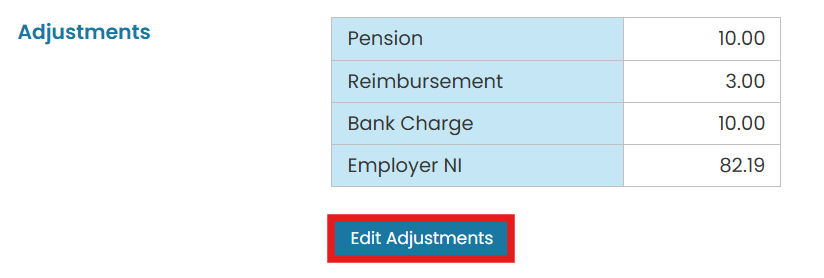
- Before changing the status, you may update any recurring adjustments as needed by clicking the Edit Adjustment.
- In the top-right corner, click Change Status to Submitted for Funding. This will generate a funding request for the payment.
>

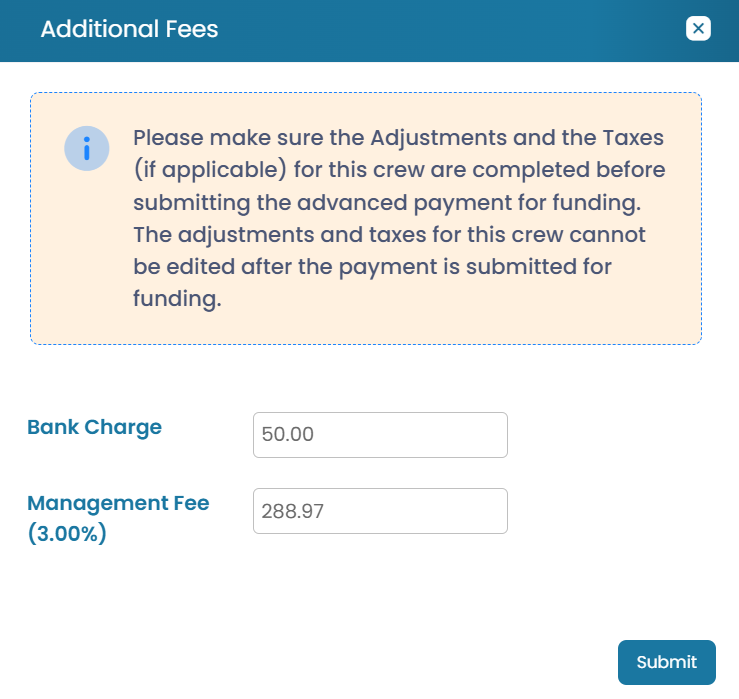
- You will then have the option to add Additional Fees, if needed.
The record can then progress through the following statuses:
- Funding Received - This status is assigned once the Crew Employer has received the funds required to pay the crew.
- Payments Created -- Awaiting Approval - This status is assigned once the payment instructions have been created and sent to the bank, either through an API or a batch file, but are still awaiting approval.
- Payments Created -- Approved - This status is assigned once the payment instructions have been approved by a second authorized user. Approval requires the user to complete MFA (multi-factor authentication) and confirm the Payment Date.
- Closed - This status is assigned once the Crew Employer has confirmed that the bank has successfully processed and sent the payments to the crew members.