
The Delayed Payments Report provides an overview of all advanced payments created for each vessel and payroll period. It allows you to review the advanced payments and, when necessary, update their status.
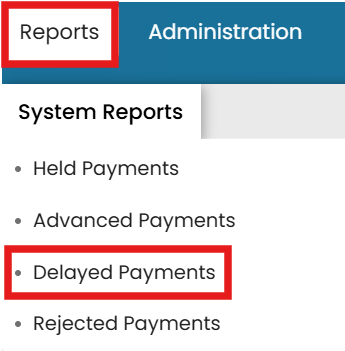
- Go to the Reports menu dropdown and select Delayed Payments.
- Here, you can view all delayed payments created for each vessel, including the payroll period associated with each payment.
> Click the View icon next to the crew member to review the delayed > payment details and status.

- In the top-right corner, click Release Payment.
>

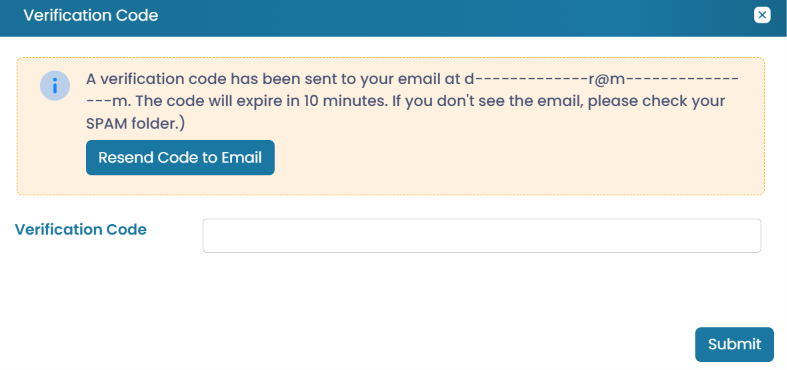
- Enter the authorization code sent to your email and click Submit.
>
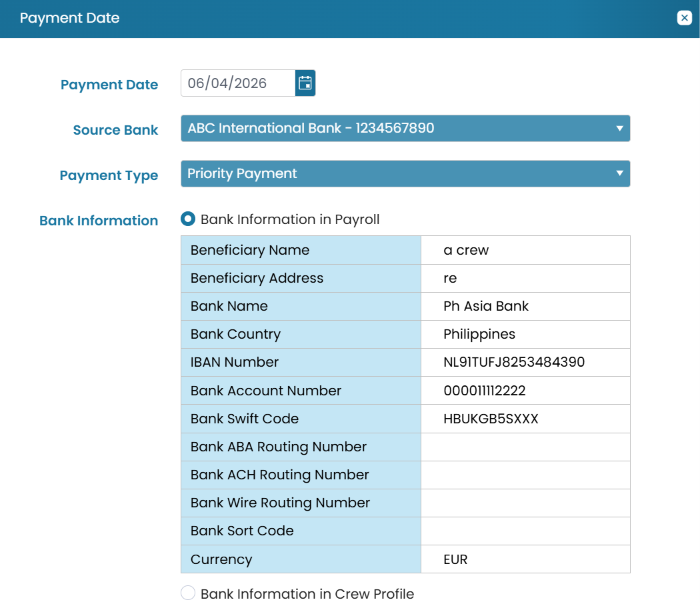
- Update the Payment Date, Source Bank, and Payment Type as needed. If applicable, select the appropriate Bank Details for the payment.
> Review the information and click Submit. > >
*The status now requires approval from another authorized user before the payment can proceed. *
Once approved, the payment will be submitted to the bank for processing.
Common questions
How do I view delayed payments report?
The Delayed Payments Report provides an overview of all advanced payments created for each vessel and payroll period.