
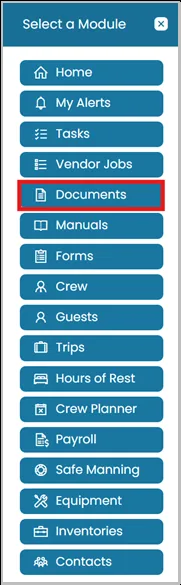
- Click Modules icon and select Documents.
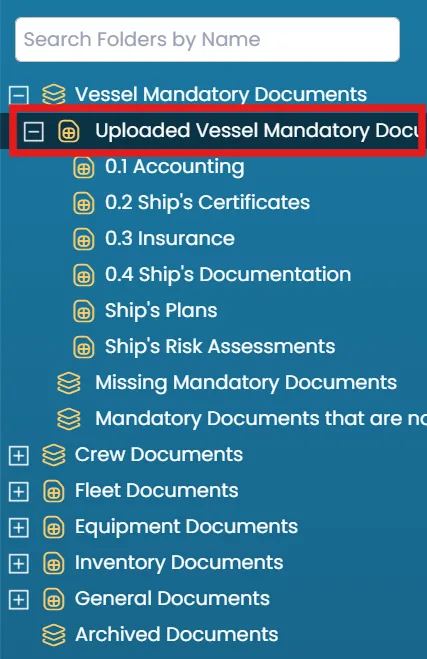
- In the folder structure on the left-hand side, select the folder that contains the documents you want to view.
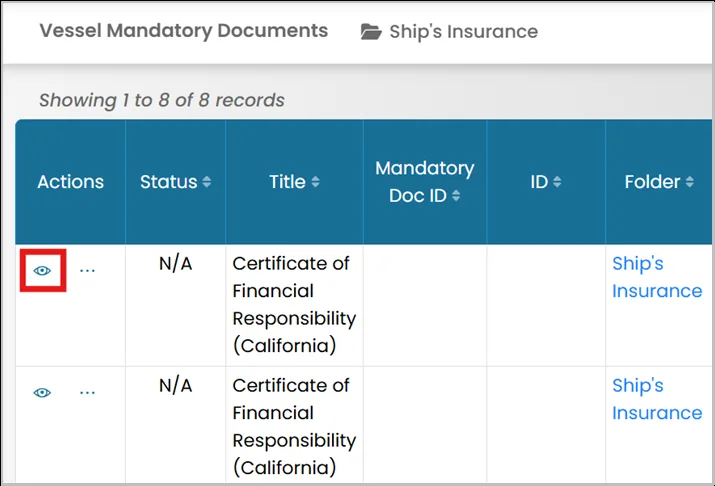
- Click the View icon next to the document you want to view.
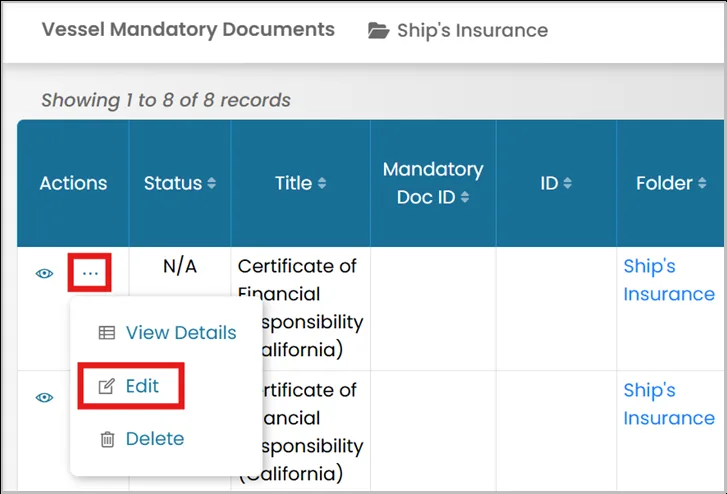
- Alternatively, click the three dots next to the document to view it.
From the same menu, you can also select the option to Edit the document, if needed.
Was this article helpful?
Still need help?
Our support team will pick it up as a support ticket and reply by email.