
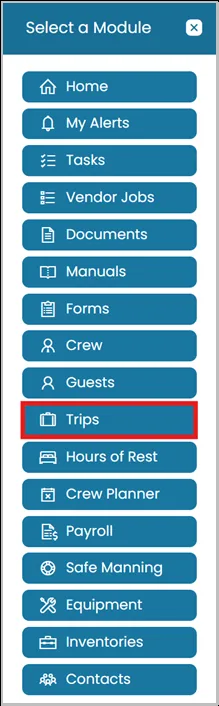
- Click the Modules icon and select Trips.
View a Trip
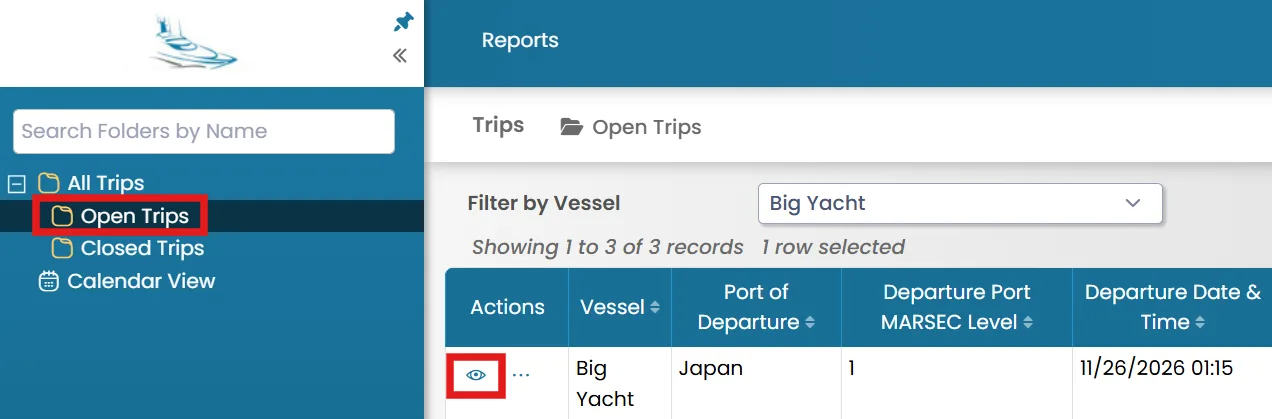
- Select the folder from the left-hand side where you want to view the trip from, then click the View icon next to the trip.
Edit a Trip

- Once you view a trip, you will see the Properties tab. To edit the trip details, go to the Properties tab and click Edit in the top-right corner.
Was this article helpful?
Still need help?
Our support team will pick it up as a support ticket and reply by email.