
Video Tutorial Coming Soon
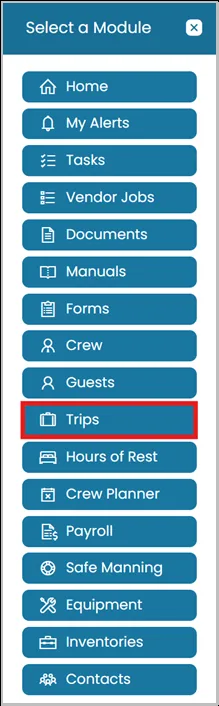
- Click the Modules icon and select Trips.
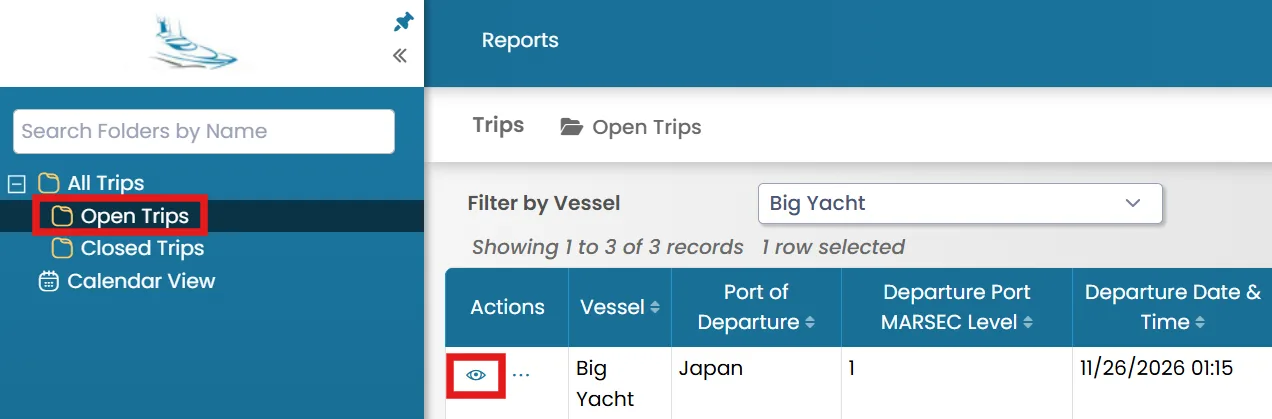
- Select the folder from the left-hand side where you want to add a crew member, then click the View icon next to the trip.
Adding Crew Members
- Go to the Crew tab. In the top-right corner, you will see the following options:
- New Crew– Select this option to create a new crew record and assign the crew member directly to the trip. Use this option when the crew member does not already exist in the system.
- Add from Existing Crew – Select this option to choose a crew member from the existing crew database and assign them to the trip. Use this option when the crew member's profile has already been created in the system.

Removing Crew Members
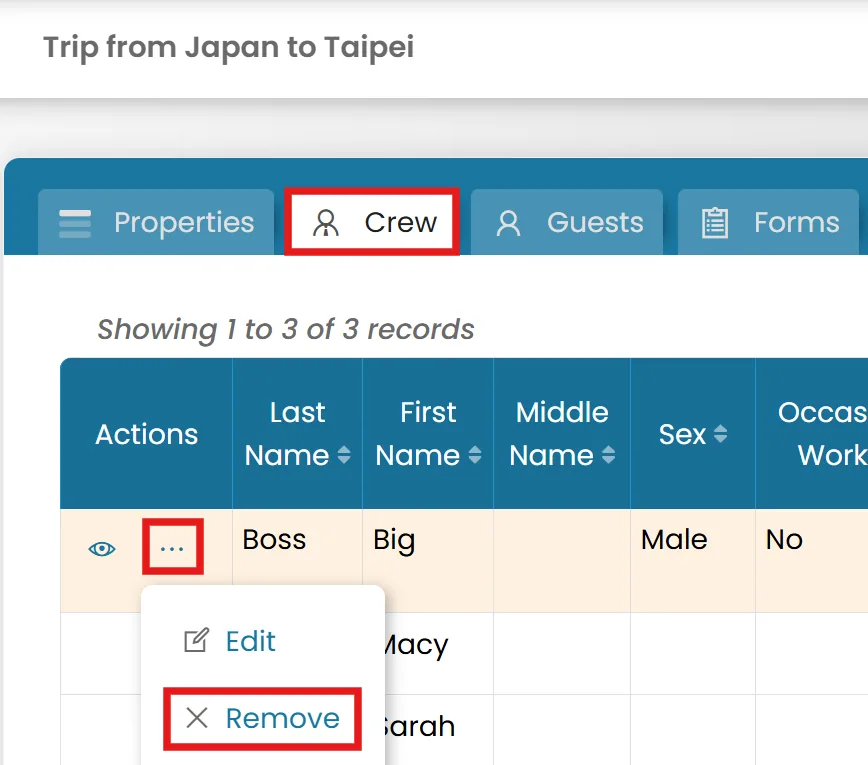
- Go to the Crew tab. Click the three-dot menu next to the crew member's name, then select Remove.
Was this article helpful?
Still need help?
Our support team will pick it up as a support ticket and reply by email.