
Video Tutorial Coming Soon
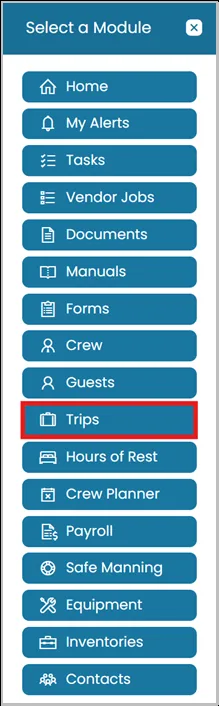
- Click the Modules icon and select Trips.
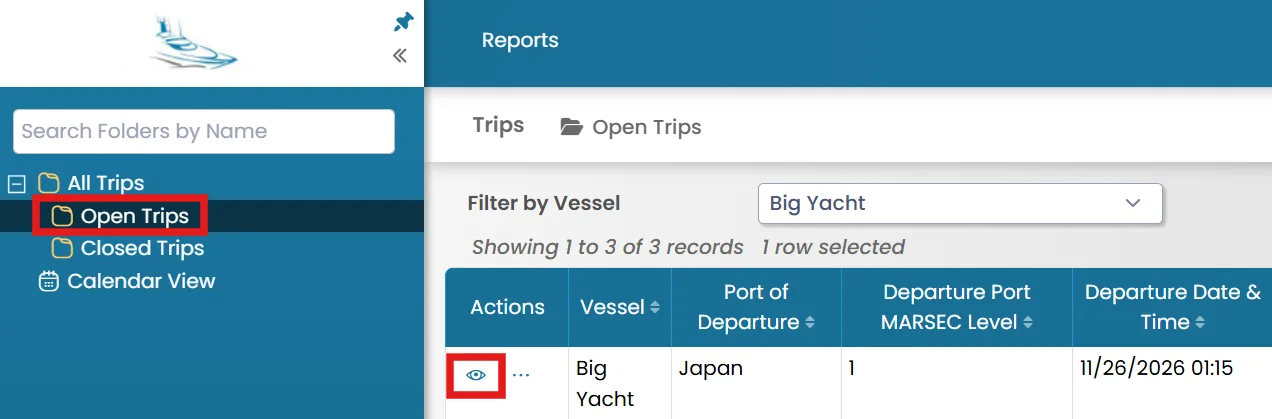
- Select the folder from the left-hand side where you want to add a guest, then click the View icon next to the trip.
Adding Guests
- Go to the Guests tab. In the top-right corner, you will see the following options:
- New Guest – Select this option to create a new guest record and assign the guest directly to the trip. Use this option when the guest does not already exist in the system.
- Add from Existing Guests – Select this option to choose a guest from the existing guest database and assign them to the trip. Use this option when the guest's record has already been created in the system.

Removing Guests
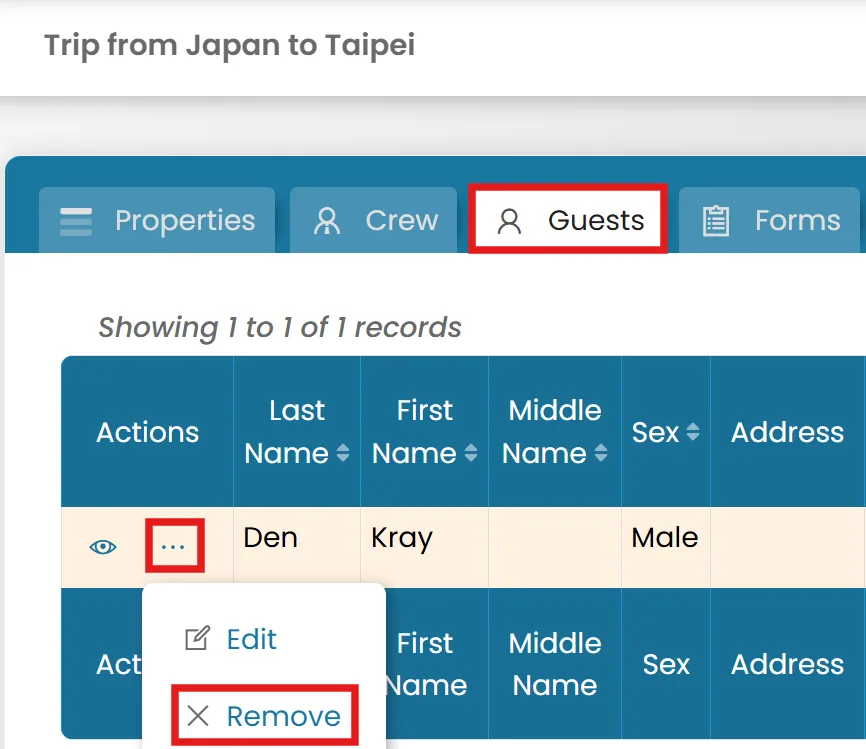
- Go to the Guests tab. Click the three-dot menu next to the guest, then select Remove.
Was this article helpful?
Still need help?
Our support team will pick it up as a support ticket and reply by email.