
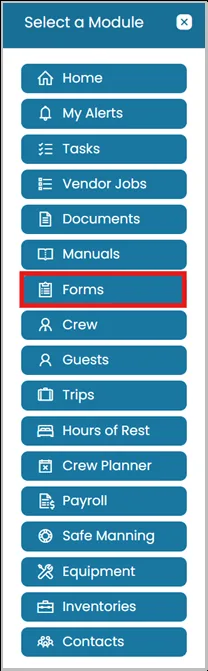
- Click the Modules icon and select Forms.
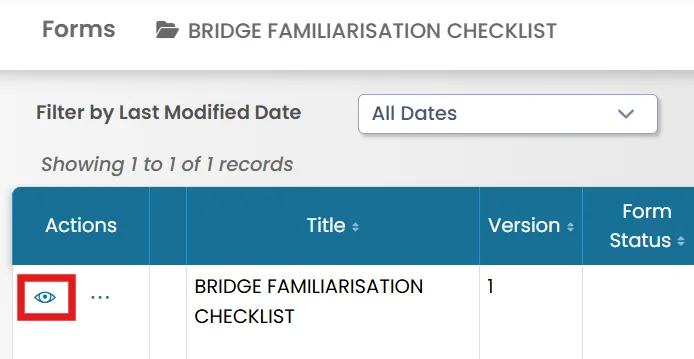
- Click the View icon to open the form.
- At the top of the page, you will see the Edit button.
Click it if you need to make changes to the form.

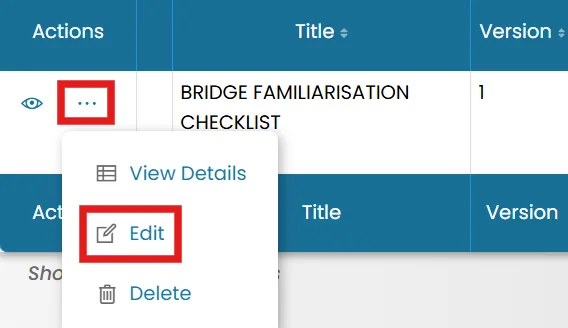
- Alternatively, you can edit a form from the homepage by clicking the three dots and selecting Edit.
Was this article helpful?
Still need help?
Our support team will pick it up as a support ticket and reply by email.