
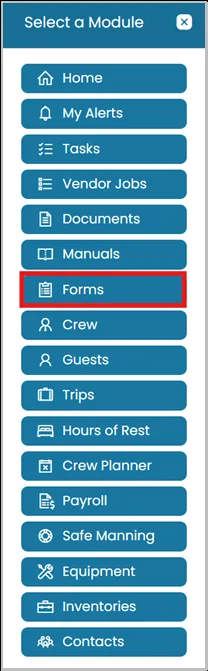
- Click the Modules icon and select Forms.
- View the form you were working on that requires a signature.
At the top of the page, click the Edit button.

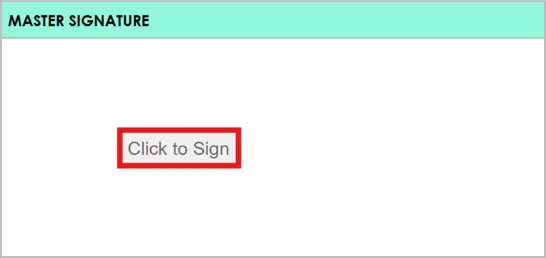
- Locate the signature box provided then Click to Sign button.
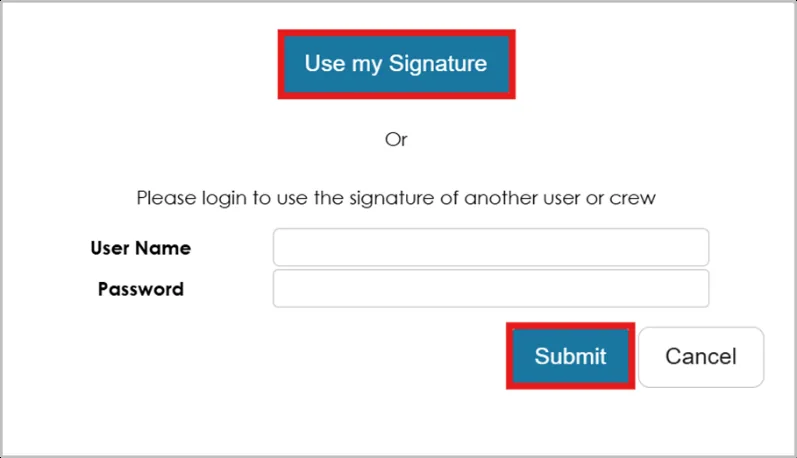
- A pop-up window will appear, allowing you to choose:
- To sign with your own signature, select Use My Signature.
- To sign on behalf of another user or crew member, enter their login details to apply their signature.
Once the signature is applied, click Submit to save.
Was this article helpful?
Still need help?
Our support team will pick it up as a support ticket and reply by email.