
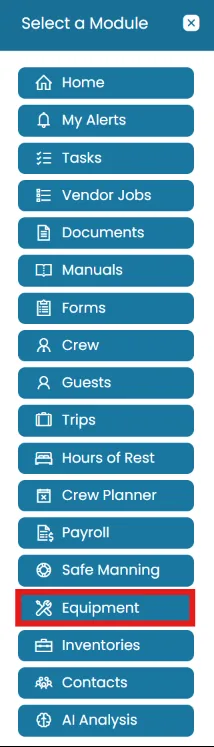
- Click the Modules icon and select Equipment.
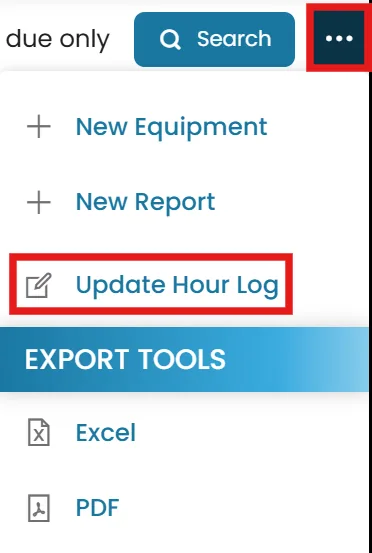
- Click the three dots in the top-right and select Update Hour Log.
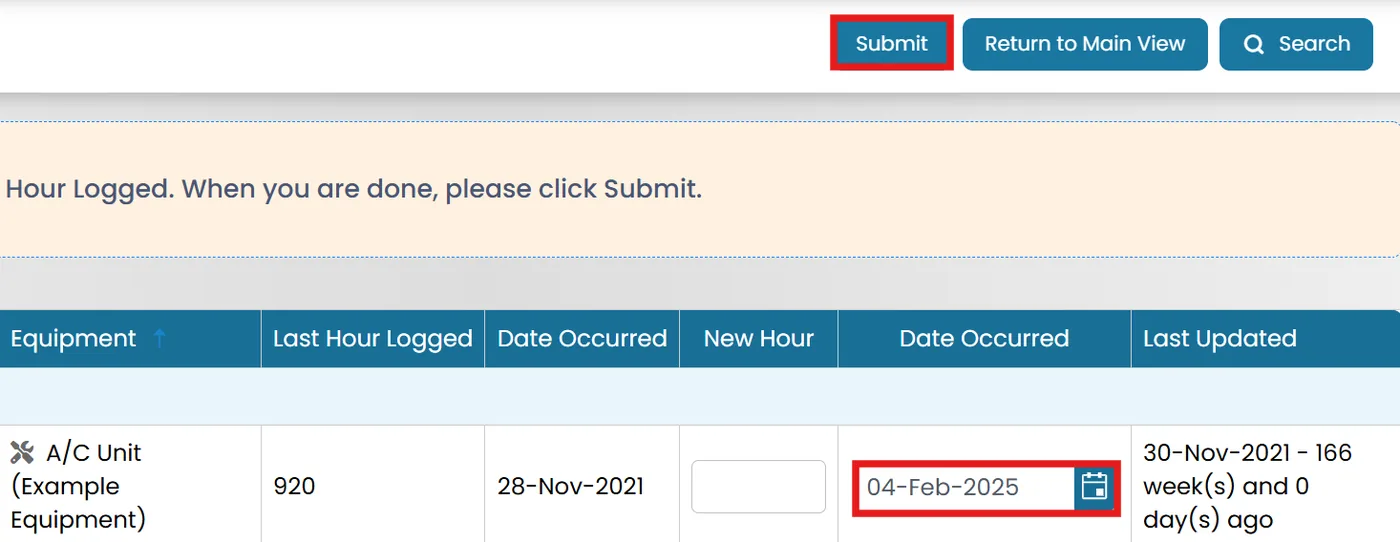
- For each piece of equipment, the last hour log is shown.
Use the Date Picker to update the log’s date.
Once updates are complete, click Submit.
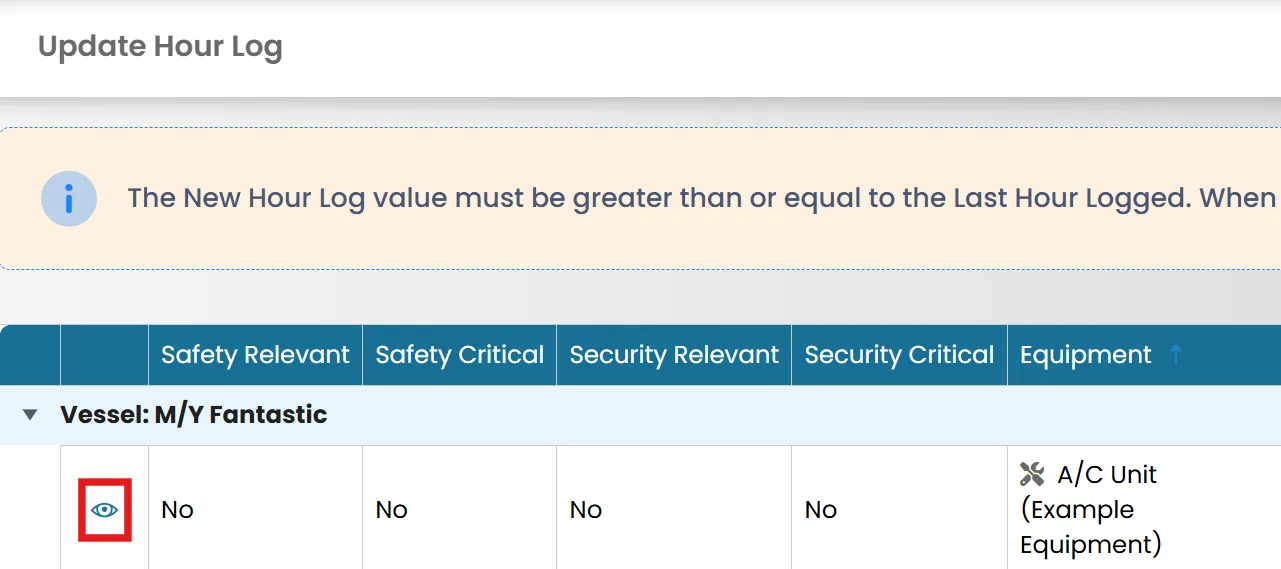
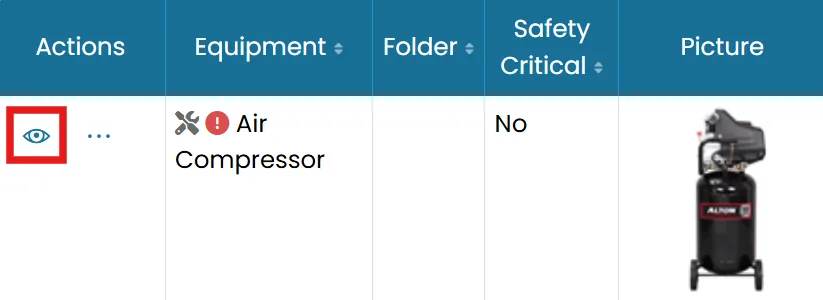
- Edit the log by clicking the View icon.
- Go to the Hour Log tab, click the Edit icon next to the item you wish to modify and click Submit.
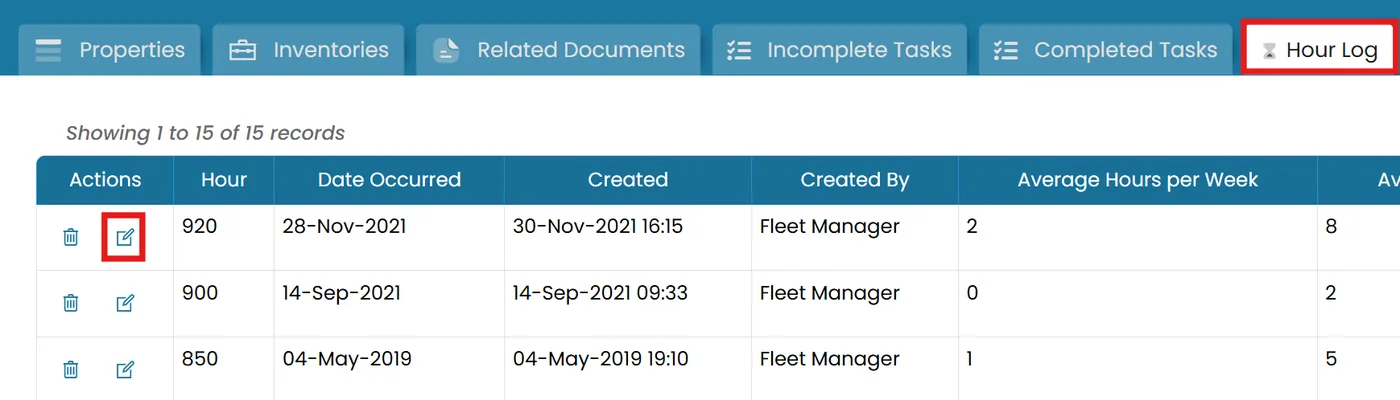
Edit an existing entry
- Click View icon a piece of equipment.
- Go to the Hour Log tab.
Click Edit next to the entry and Save changes.

Was this article helpful?
Still need help?
Our support team will pick it up as a support ticket and reply by email.