
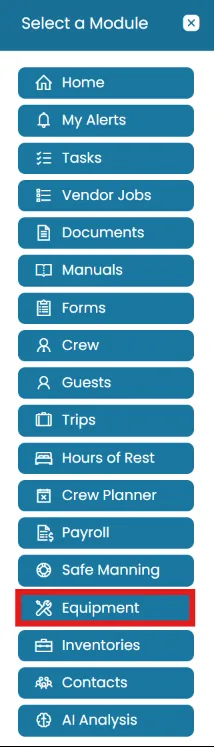
- Click the Modules icon and select Equipment.
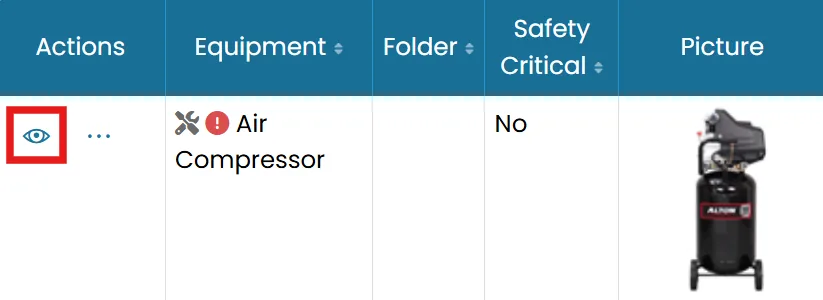
- Find the equipment you want to work with and click the View icon.
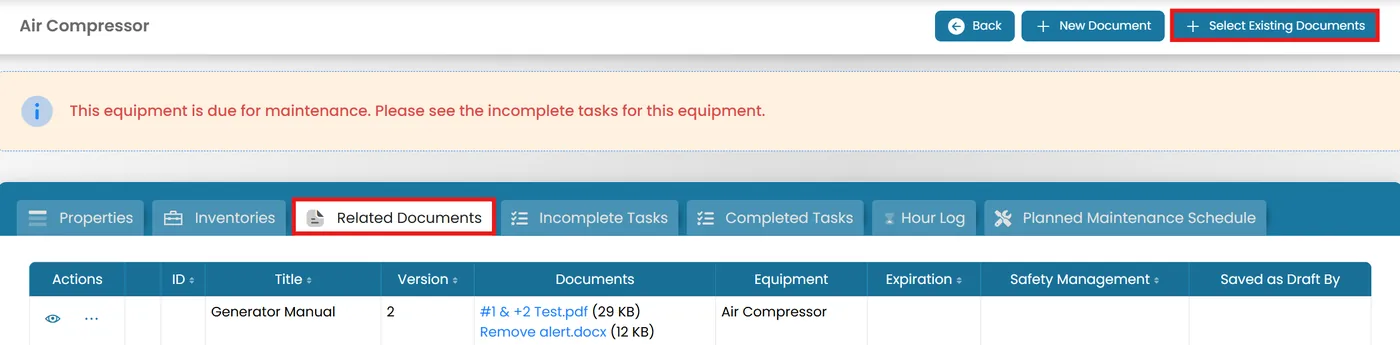
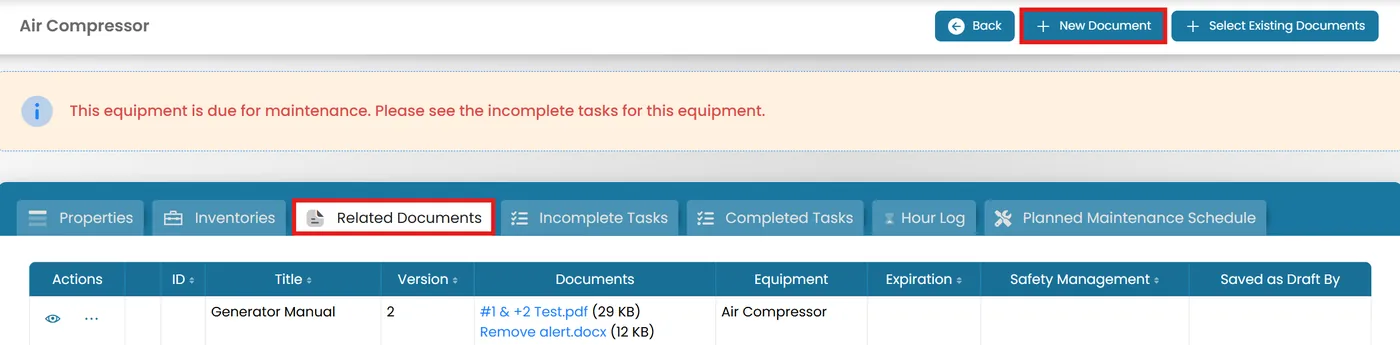
- On the top right corner of the Related Documents tab, you will have two options:
- Select Existing Documents
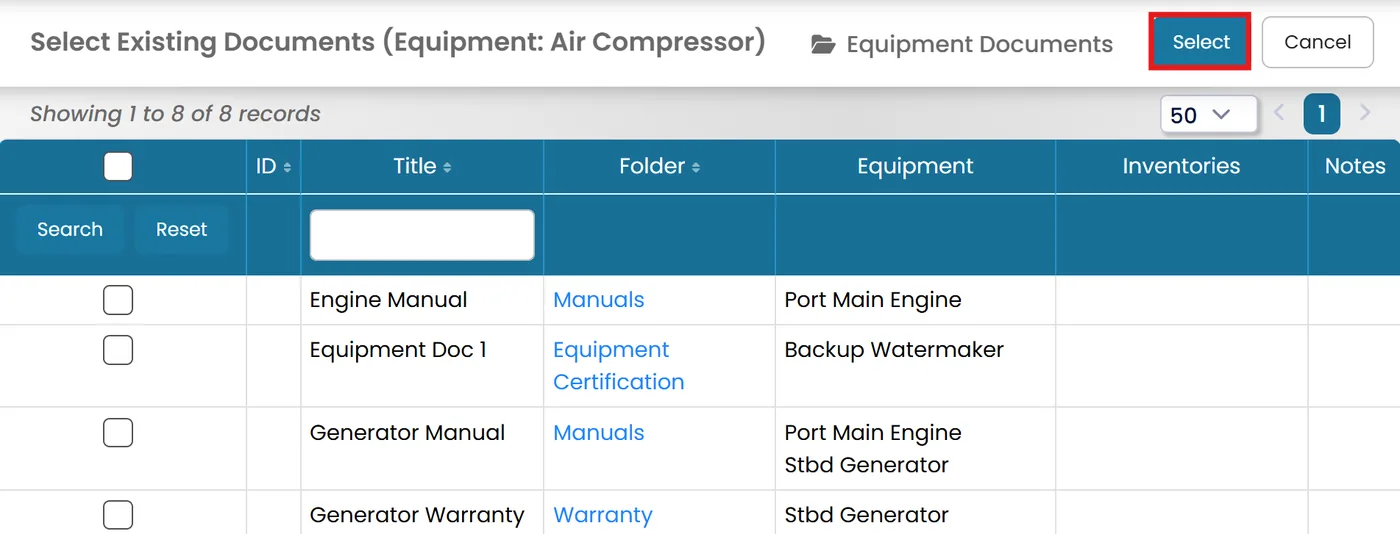
Check the box next to the document and click Select to associate it with the equipment.
- New Document
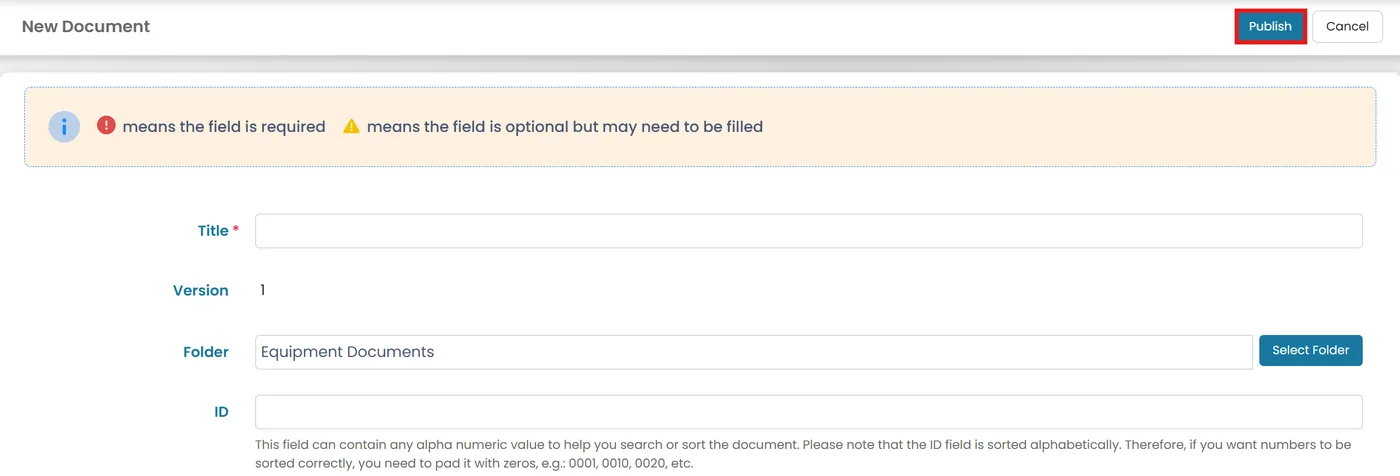
Fill out necessary fields and upload documents. Once uploaded, click Publish to finalize.
Was this article helpful?
Still need help?
Our support team will pick it up as a support ticket and reply by email.