
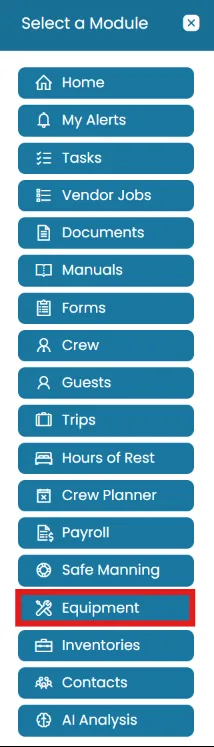
- Click the Modules icon and select Equipment.
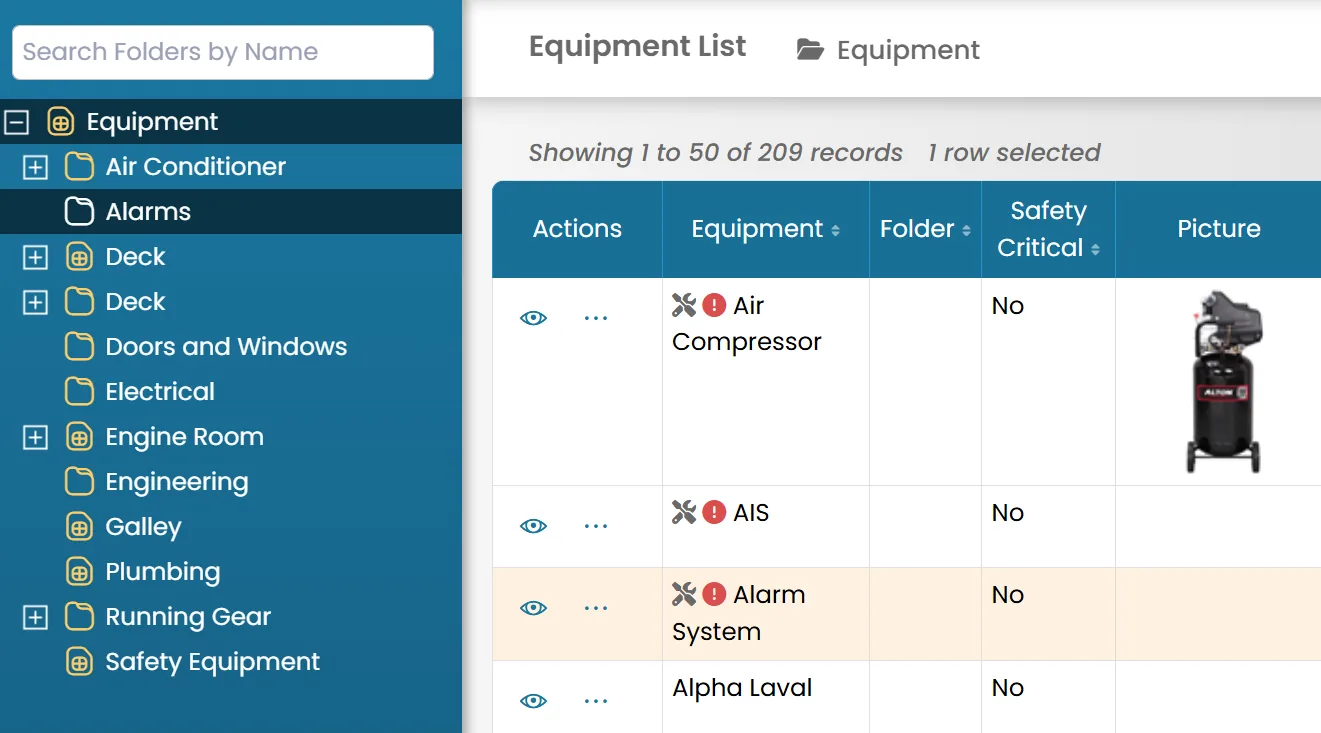
- Select the item and ensure it is highlighted. Drag it into the desired folder.
The folder will be highlighted to confirm the selection.
Was this article helpful?
Still need help?
Our support team will pick it up as a support ticket and reply by email.