
Closing a trip marks the completion of the vessel's journey and finalizes the trip record in the system. Once a trip is closed, all related information, including crew, guests, and forms, is considered finalized and stored as part of the trip history.
Closing a trip ensures that records are complete, accurate, and available for future reference, reporting, and compliance purposes.
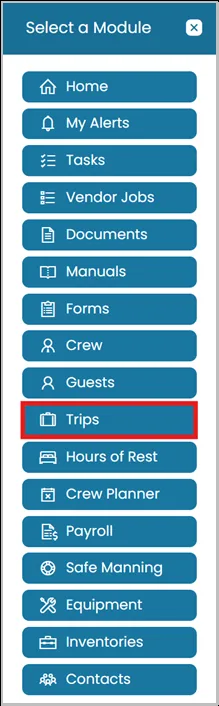
- Click the Modules icon and select Trips.
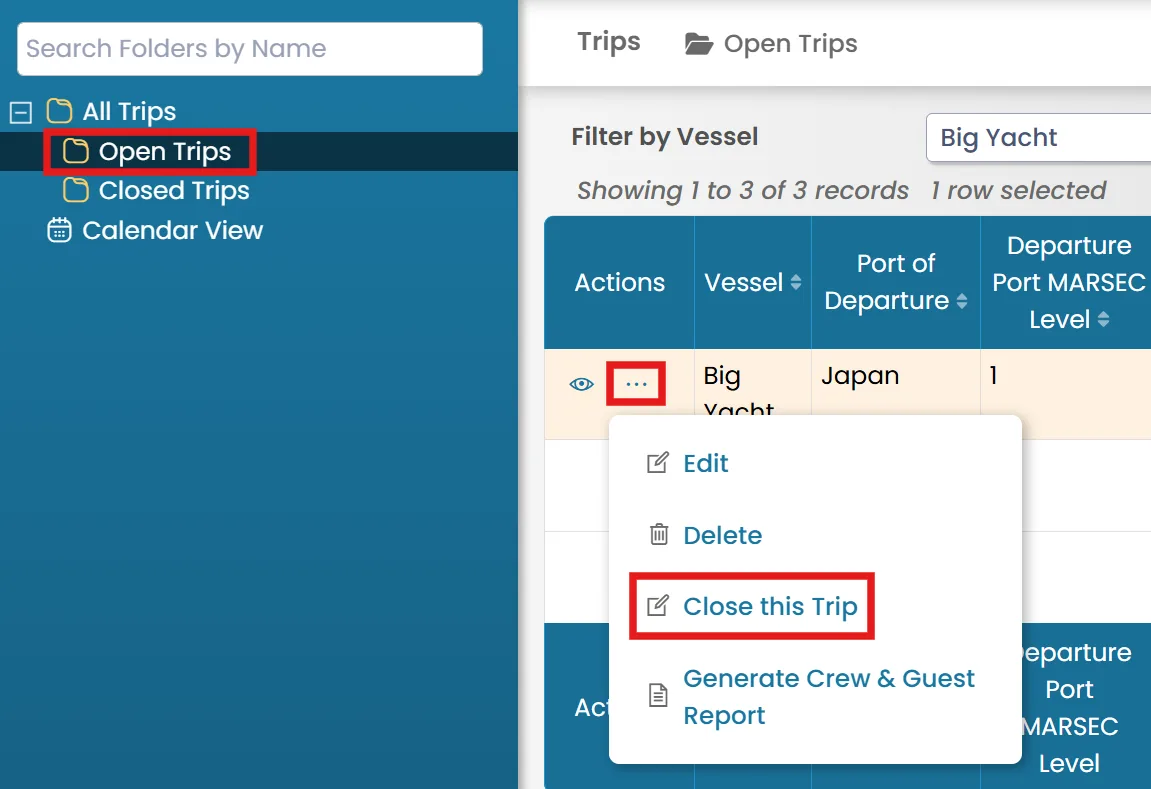
- Select the Open folder from the left-hand side, then click the three dots menu next to the trip and select the Close this Trip.
Was this article helpful?
Still need help?
Our support team will pick it up as a support ticket and reply by email.