
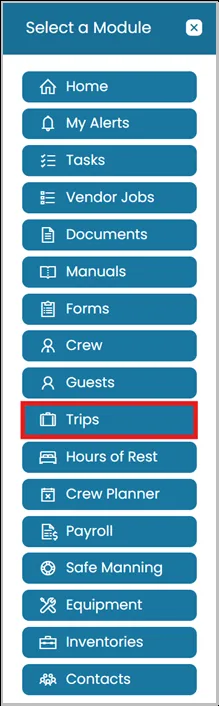
- Click the Modules icon and select Trips.
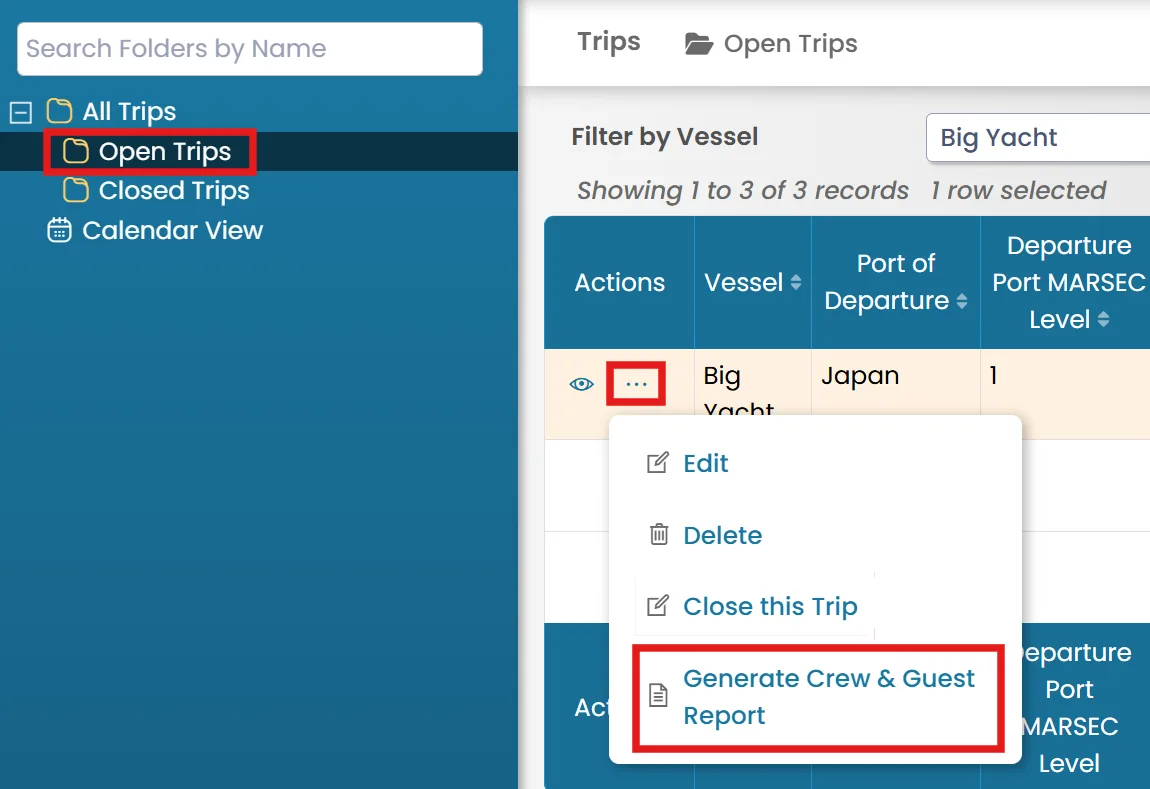
- Select a folder from the left-hand side, then click the three dots menu next to the trip and select the Generate Crew & Guest Report.
- A new window will open with a list of all crew and guests linked to the trip.
Occasional workers will be displayed in a separate table.
Note: Ensure that pop-ups are enabled in your browser; otherwise, the report may not open.
- To customize the visible columns, click Options, uncheck the details you do not want to include in the report, then click Save Settings.

Was this article helpful?
Still need help?
Our support team will pick it up as a support ticket and reply by email.