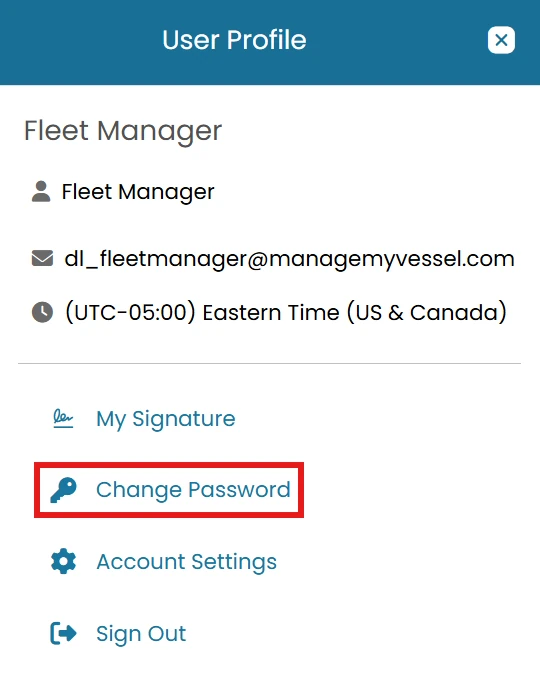
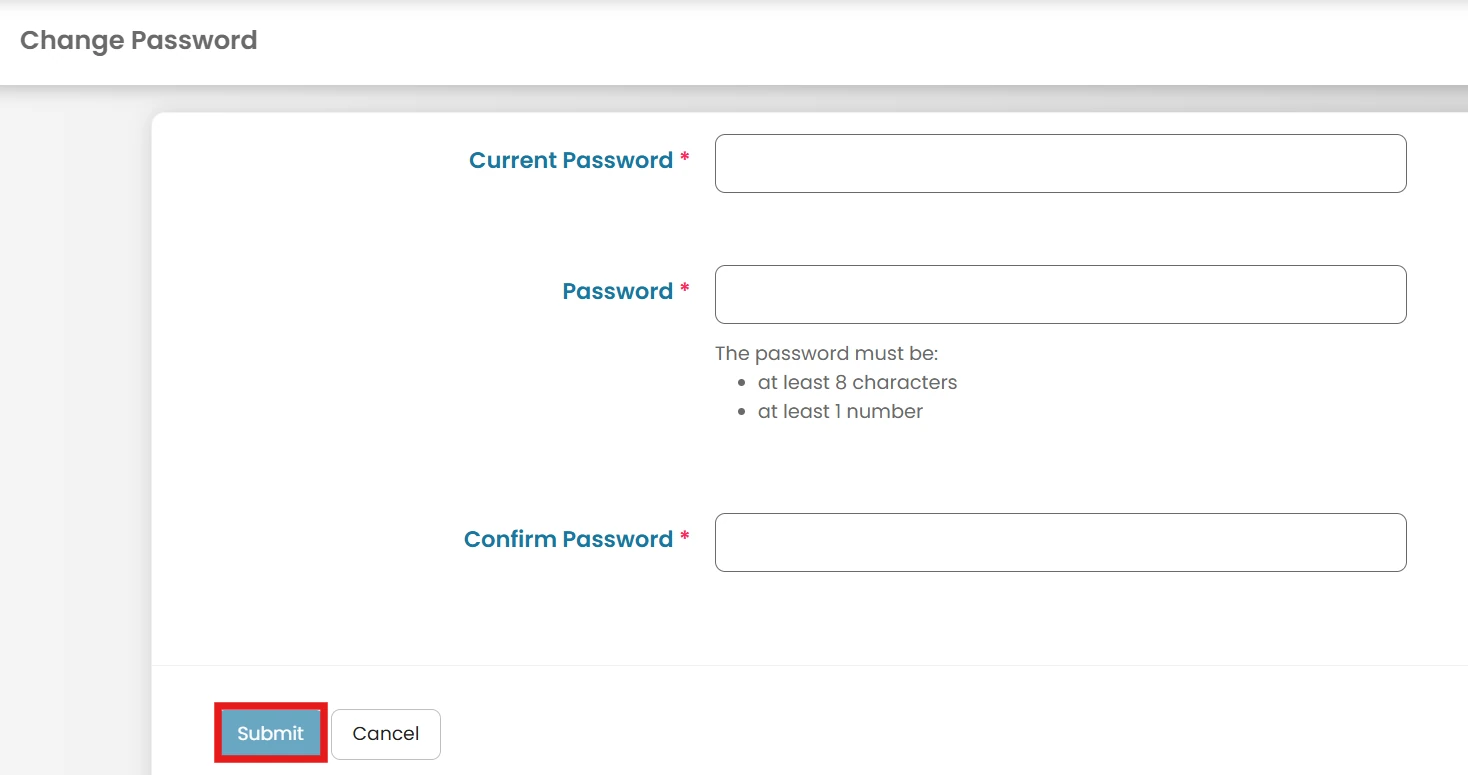
Getting Started Change your Password Last updated · October 2026 Permission-based access: What you can see and do in MMV depends on your assigned permissions. If a feature described here isn't visible in your account, ask your Administrator. Video walkthrough Video not playing? Watch it on YouTube ↗ Click the User Profile Icon located next to your name in the top-right corner of the screen and select Change Password from the dropdown menu. Enter your current password. Enter and confirm your new desired password. Click Submit to save your changes. ← PreviousForgot Password - Website Next →Create User Role Related articles Payroll Provider Introduction How to Process Payroll Forgot Password - Website