
Video Tutorial Coming Soon
A Delayed Payment should be used when a crew member's payment amount has been finalized, but the payment needs to be temporarily withheld from bank submission due to incorrect, incomplete, or unverified bank details.
View delayed payments
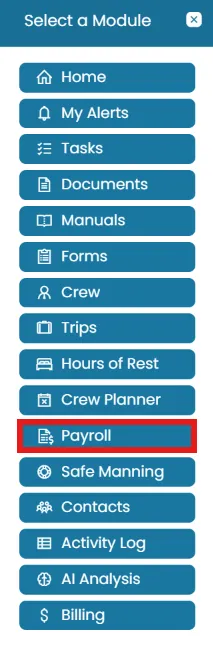
- From the Sub-Account homepage, click the Modules menu and select Payroll.
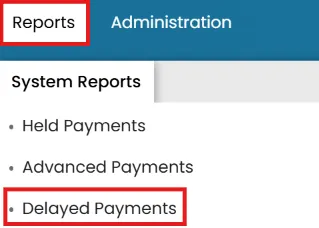
- To view all crew members with delayed payments, go to the Reports menu, System Reports tab and select Delayed Payments.
- Click the View icon to review the payment details. You cannot make any changes from the Management site.
Was this article helpful?
Still need help?
Our support team will pick it up as a support ticket and reply by email.