
Video Tutorial Coming Soon
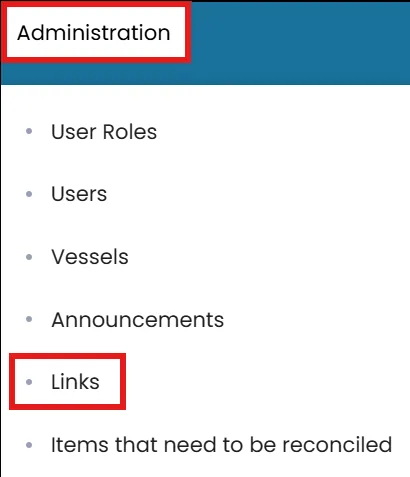
- Click on the Administration menu on the blue ribbon the select Links.
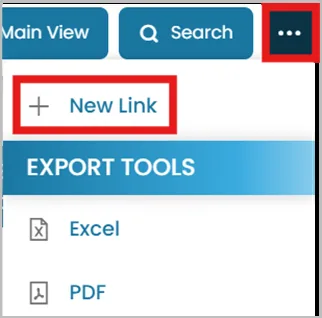
- Click the three dots in the top-right corner and select New Link.
- Enter the URL of the website.
Click Test URL to ensure the link is working.

- Check the box if it is Safety Management related.
Select the folder that the link is associated with from the dropdown menu.

- Provide a Description, then choose the user roles and crew positions where this link should be visible.

Was this article helpful?
Still need help?
Our support team will pick it up as a support ticket and reply by email.