
This section explains how to change a crewmember’s status when the Crew Planning module has not been enabled.
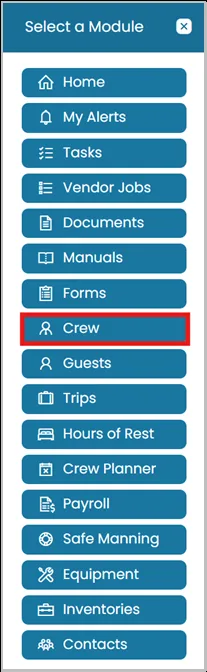
- Click Modules icon and select Crew.
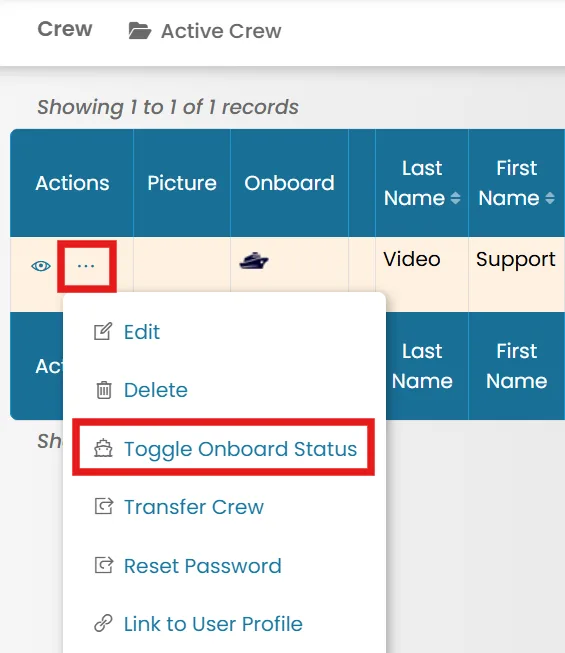
- Choose a crew member, then click the three dots next to their name and select Toggle Onboard Status.
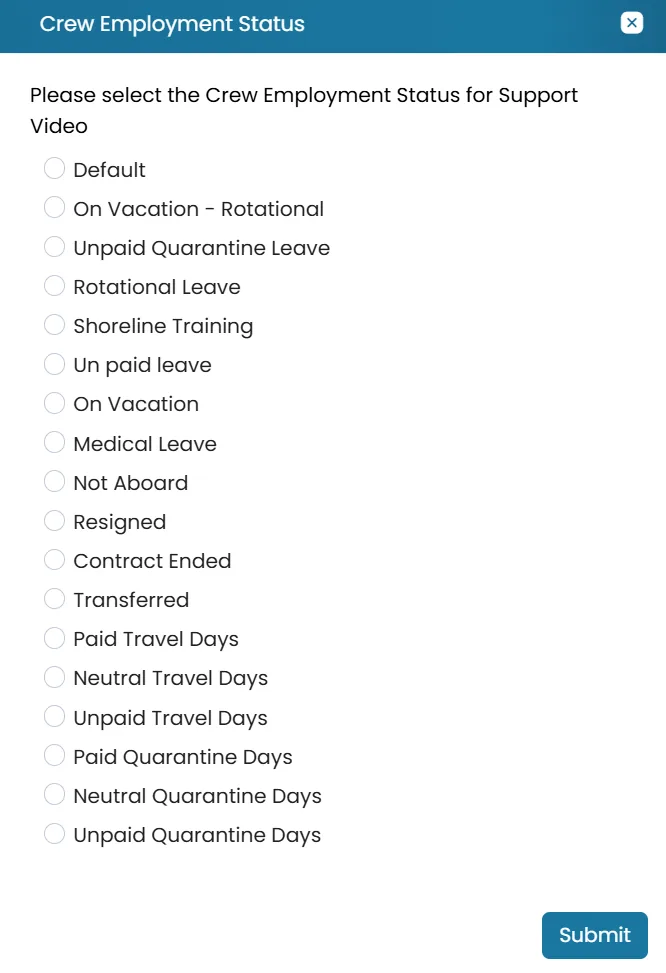
- Choose the crew member's new status, then click Submit to save your changes.
Was this article helpful?
Still need help?
Our support team will pick it up as a support ticket and reply by email.