
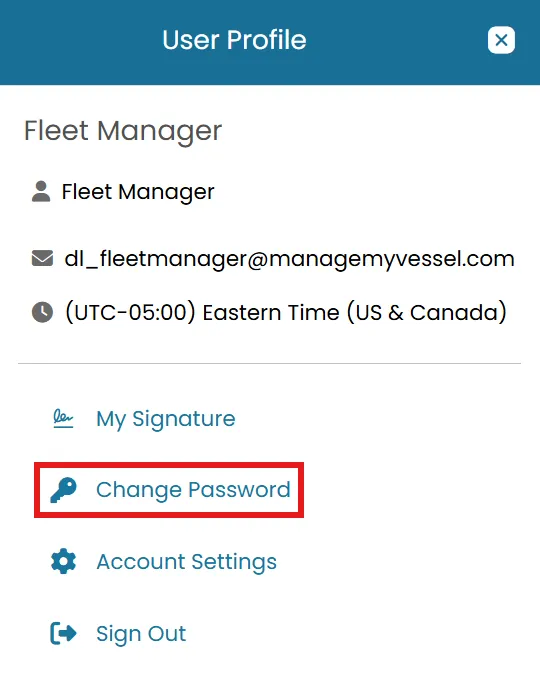
- Click the User Profile Icon located next to your name in the top-right corner of the screen and select Change Password from the dropdown menu.
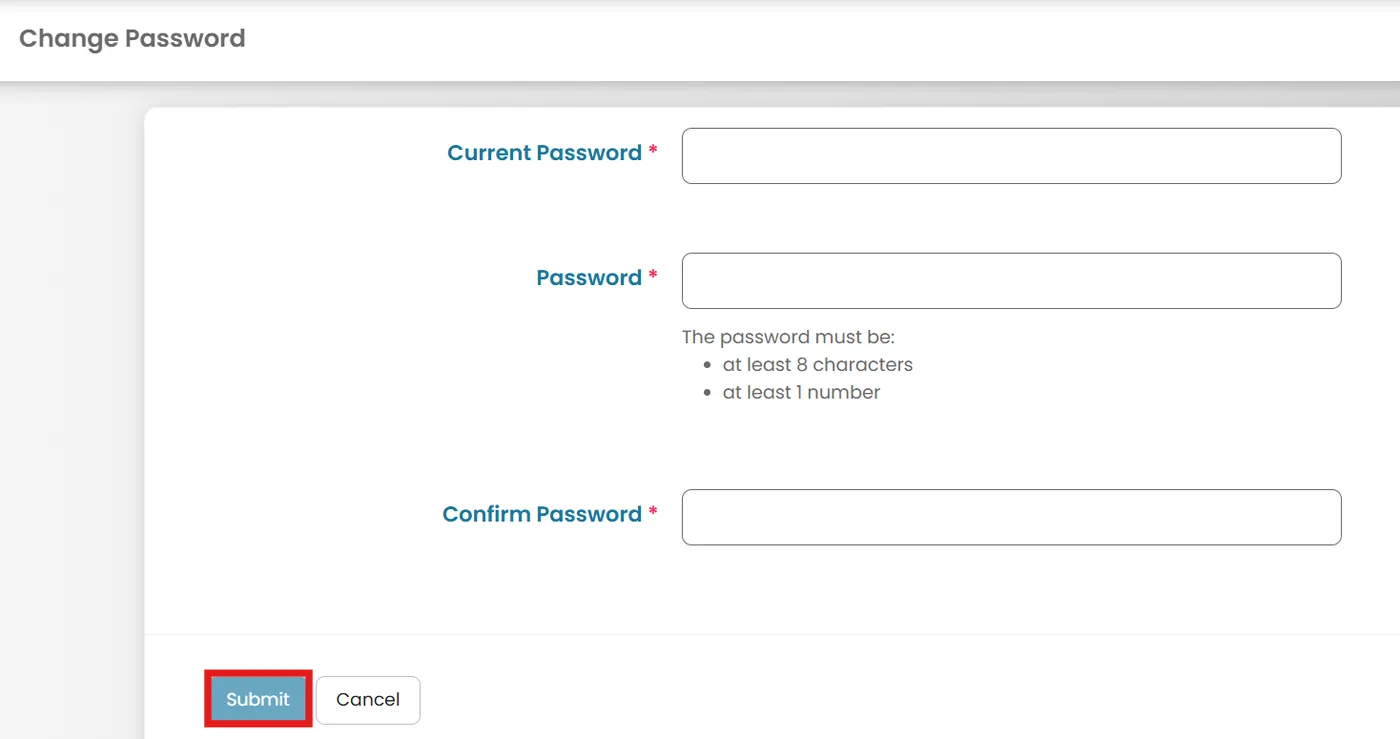
- Enter your current password.
- Enter and confirm your new desired password.
- Click Submit to save your changes.
Was this article helpful?
Still need help?
Our support team will pick it up as a support ticket and reply by email.