
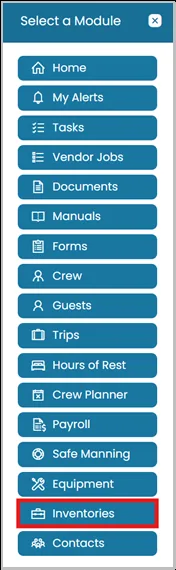
- Click the Modules icon and select Inventories.
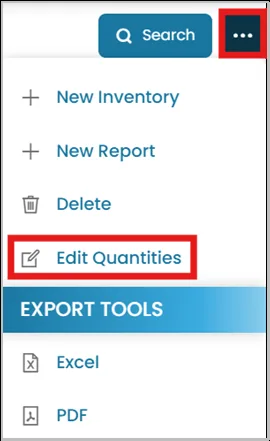
- On the top right corner of your dashboard, click on the three dots and select Edit Quantities.
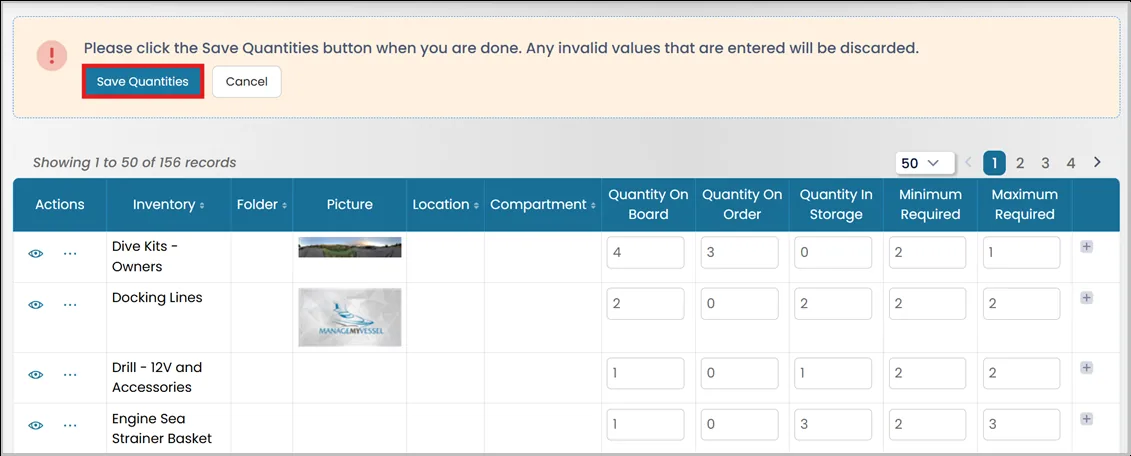
- Adjust Quantities as needed. Once you've updated all the necessary information, click Save Quantities to confirm and save your changes.
Was this article helpful?
Still need help?
Our support team will pick it up as a support ticket and reply by email.