
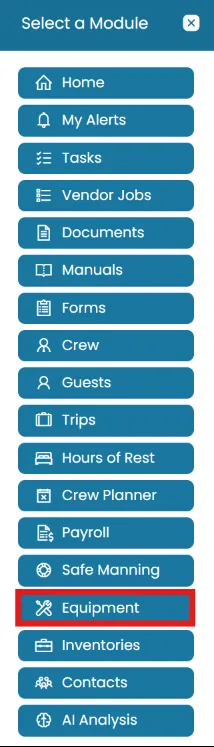
- Click the Modules icon and select Equipment.
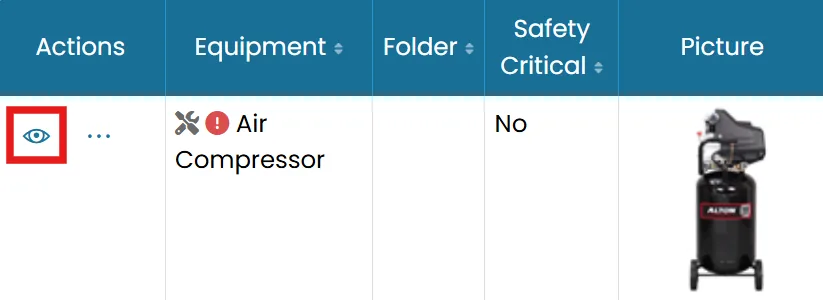
- Find the equipment you want to work with and click the View icon.
- On the Planned Maintenance tab. Click New Planned Maintenance Schedule to create a new one.
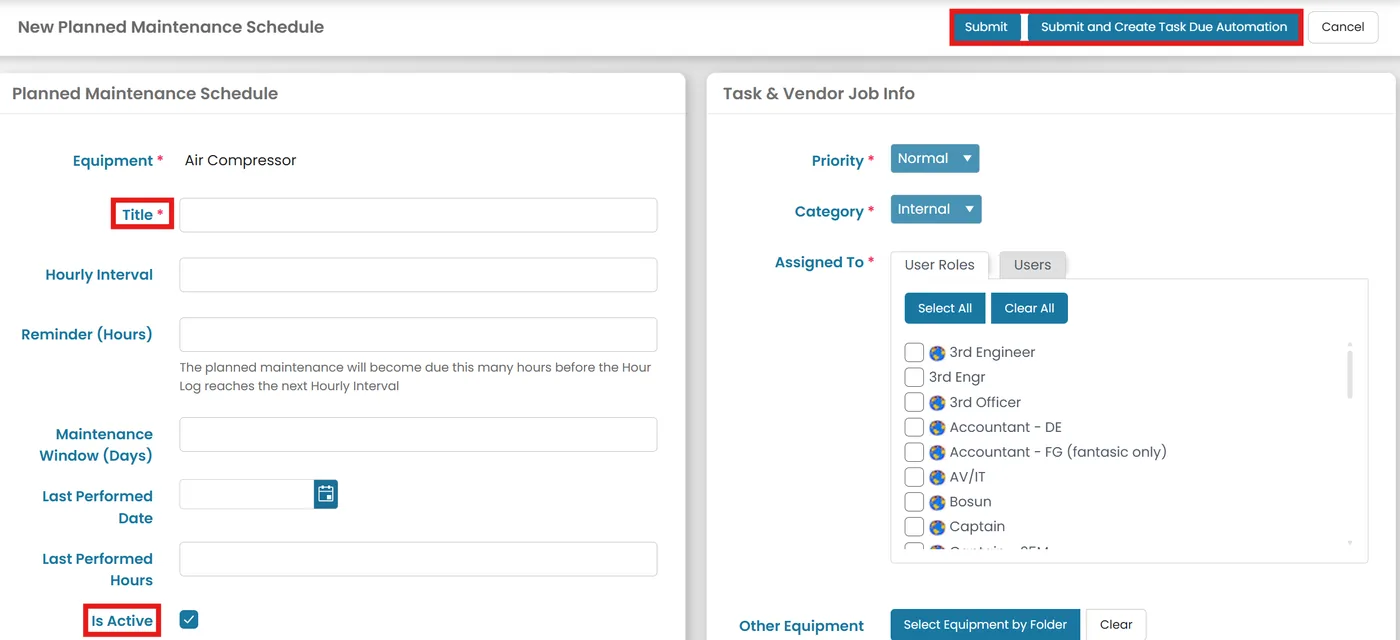
- Add a title and necessary information for the plan.

Ensure the maintenance is marked as Active.
Click Submit if the equipment is not yet due for maintenance or Click Submit and Create Task Due Automation.
Was this article helpful?
Still need help?
Our support team will pick it up as a support ticket and reply by email.