
Adding Guests
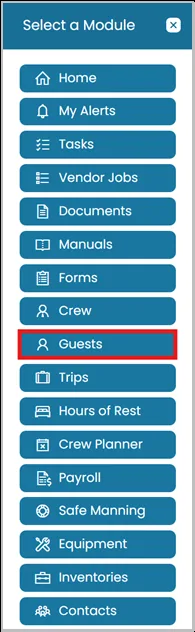
- Click the Modules icon and select Guests.
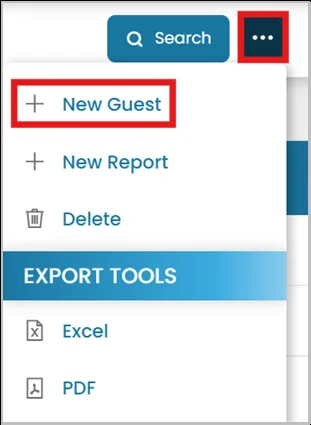
- To add a new guest, click the three dots in the top right corner and select New Guest.
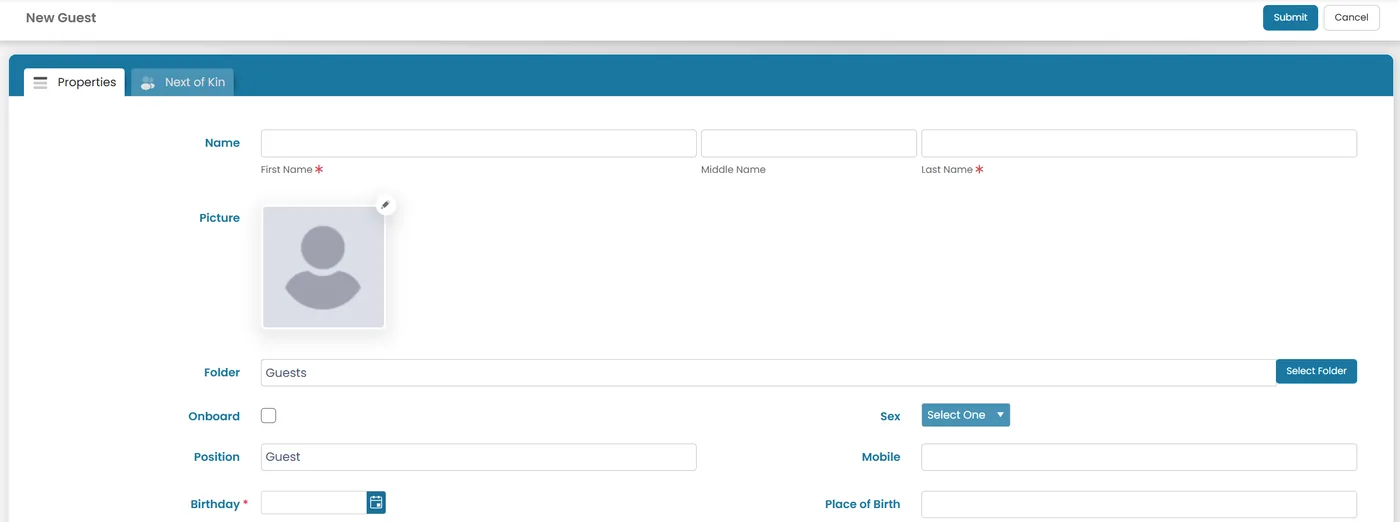
- In the Properties tab, enter all the necessary information for the guest, including the Port of Embarkation, Port of Disembarkation, Vaccination Status, and whether the guest Needs Special Care/Assistance.
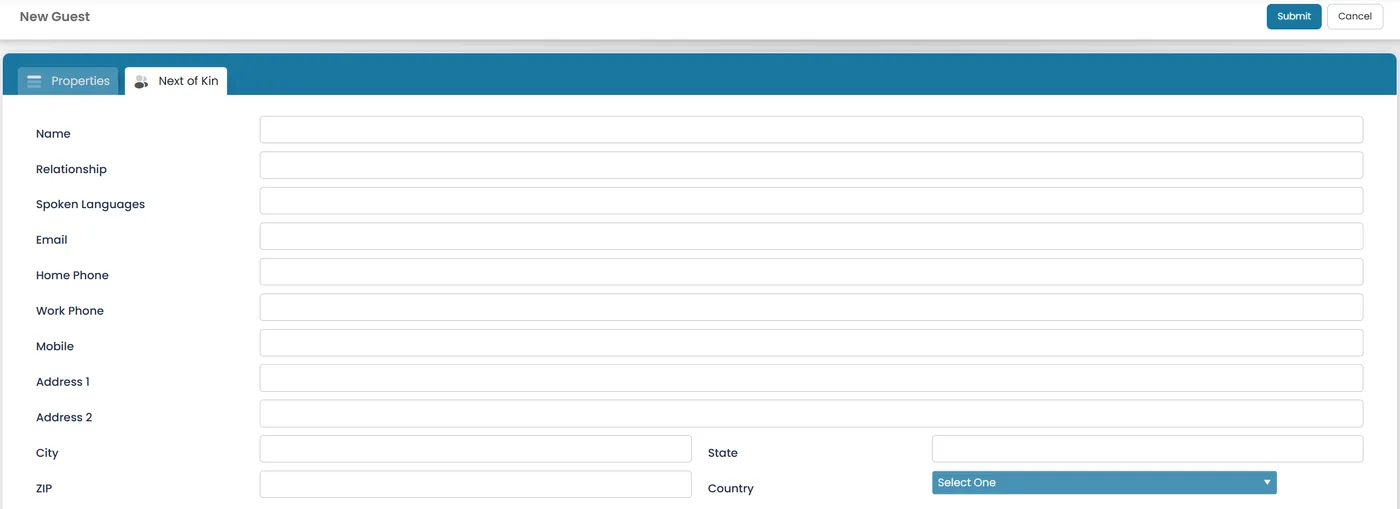
- In the Next of Kin tab, enter the contact details of the guest's next of kin for emergency and reference purposes.
View Guests
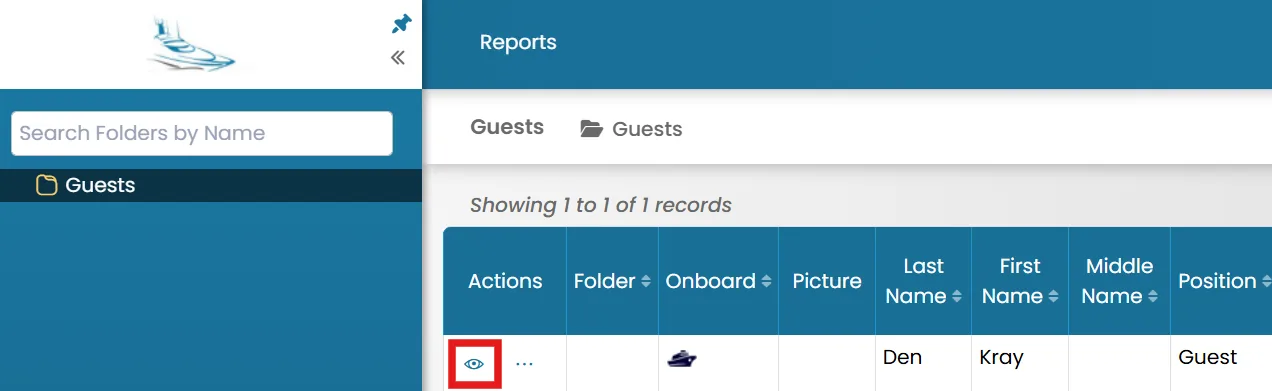
- On the Guests home page, click the View icon next to the guest's name.
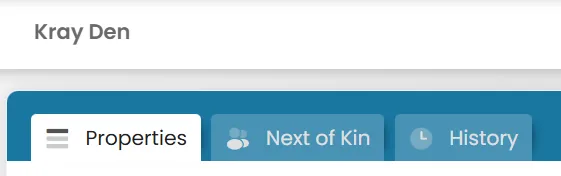
- When viewing a guest's record, you will see the following tabs:
- Properties – View and edit the guest's personal details and other information.
- Next of Kin – View and manage the guest's emergency contact details.
- History – View the guest's history, including their previous trips and vessel records.
Was this article helpful?
Still need help?
Our support team will pick it up as a support ticket and reply by email.